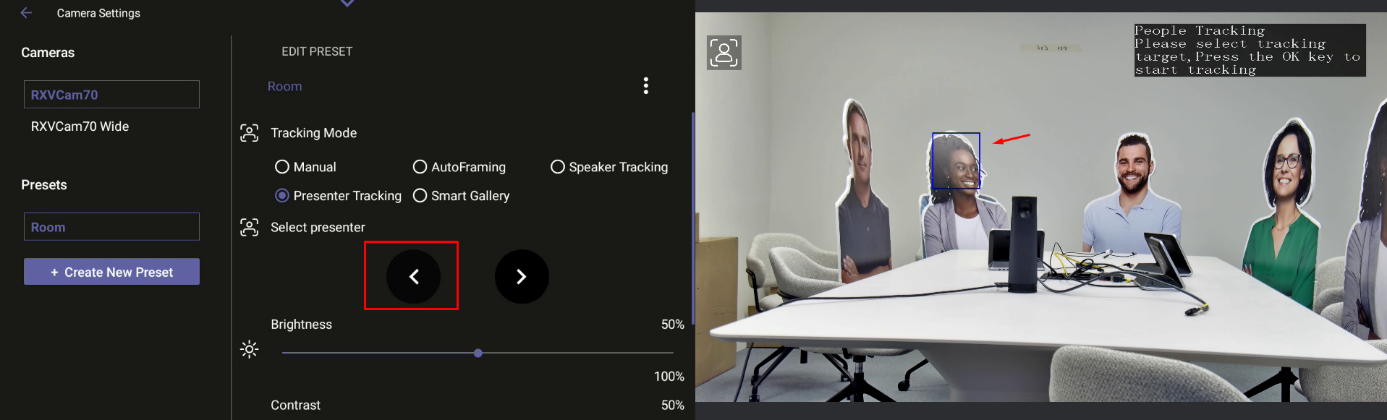
Selecting Presenter in Tracking Mode with Composite AI
If your RXV200 is connected to an RXVCam70 camera, you can select the presenter you want the camera to track. This can be done in non-composite AI mode (see Selecting RXVCam70 Camera Tracking Mode) or with Composite AI, as described below.
|
➢
|
To select a presenter to track in Camera Settings: |
|
2.
|
Turn on ‘Presenter Mode’ and tap Select Presenter Manually. |
|
3.
|
Under ‘Select presenter’, use the right-left arrows to choose the presenter. The presenter is accepted after a timeout of a few seconds, following the marking of the person in the room. |